Cross-version connections
Translate a supported modern client connection toward many older Minecraft server protocol versions.
Primary functionViaFabricPlus is a client-side Fabric mod for cross-version multiplayer connections. This independent site explains setup, compatibility, version targeting, safety considerations, troubleshooting and the provided ver/26.2 source archive.
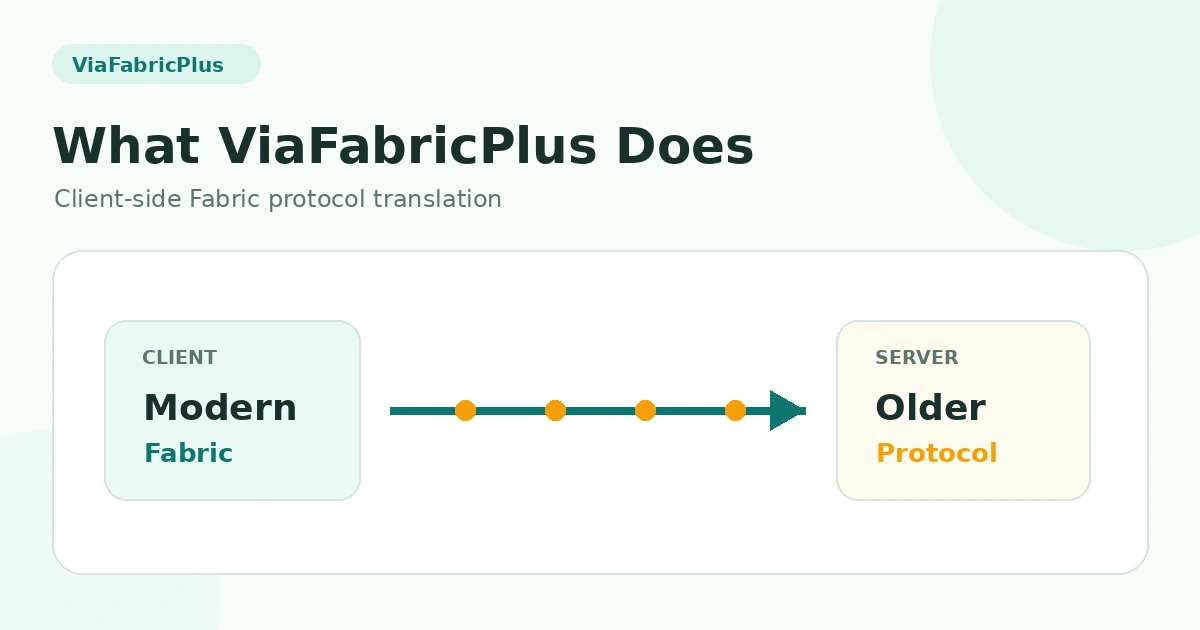
ViaFabricPlus builds on ViaVersion technology and focuses on making older Minecraft servers feel closer to their original behavior while you use a modern supported client. It addresses protocol differences around movement, interactions, graphics and other gameplay details.
A compact dashboard view of the software features that matter most to cross-version multiplayer users.
Translate a supported modern client connection toward many older Minecraft server protocol versions.
Primary functionOperates inside a Fabric client environment rather than requiring a server-side ViaFabricPlus plugin.
Client-side modIncludes compatibility work intended to make movement, entities, blocks and visuals closer to older-server behavior.
Experience focusedVersion targeting helps the client communicate with servers that use an older protocol generation.
Version awareThe project is aimed at multiplayer server access rather than altering local singleplayer world mechanics.
Network focusedCompatibility is not a guarantee for every server because anti-cheat, custom proxies and server rules can affect access.
Use responsiblyViaFabricPlus sits on the client side and adapts multiplayer communication toward the server version you need.
Use the newest Minecraft client version supported by your ViaFabricPlus release.
Start a compatible Fabric profile with the proper ViaFabricPlus mod file installed.
Let detection or version selection align the client connection with the older server protocol.
Join multiplayer and confirm gameplay, server rules, resource-pack expectations and anti-cheat behavior.
| Area | Status | Notes |
|---|---|---|
| Fabric client | Required | Official project direction. |
| Forge / NeoForge | Not supported | No official ViaFabricPlus version planned. |
| Multiplayer | Supported focus | Main cross-version use case. |
| Singleplayer | Not affected | Protocol translation is for multiplayer. |
| Old resource packs | Not translated | Cross-version packs are not provided. |
Users often search ViaFabricPlus 1.16.5, ViaFabricPlus 1.20.1 and ViaFabricPlus 1.21.4. These usually refer to the server protocol you want to join, not the client version you should install.
Practical multiplayer situations where protocol translation can reduce the need to keep separate old client installations.
Join an older release server from a supported modern client while ViaFabricPlus handles protocol differences.
Compare how different server protocols behave without treating ViaFabricPlus as a replacement for native version-specific testing.
Connect to a server that has not moved to the newest protocol, subject to its rules and custom server stack.
Access older protocol eras while understanding that resource packs and some mechanics can still differ.
The provided project URL downloads the ver/26.2 source branch archive as a ZIP. For normal in-game installation, you need a compatible compiled mod JAR rather than source code.
Download ViaFabricPlus
Cross-version access is useful, but it does not override server rules, anti-cheat policies or software compatibility limits.
Some servers can treat unusual client behavior as suspicious. ViaFabricPlus cannot guarantee access to every multiplayer server.
This static website does not auto-fetch project releases. Its primary button uses the exact download URL supplied for the project.
Start with the environment and target protocol before assuming the server itself is broken.
Verify that you installed a compiled mod JAR, not the source ZIP, and that Fabric matches the client version.
Read setup guide →Check that the target protocol is supported, then review server-specific proxy, plugin and anti-cheat behavior.
Read troubleshooting →Translation helps compatibility but does not turn a modern client into a perfect native old client.
Read version guide →The official project states ViaFabricPlus itself is Fabric-only, despite search results that may mix loaders or related projects.
Read Fabric requirement →Static, focused guides for setup, older server versions and common compatibility questions.
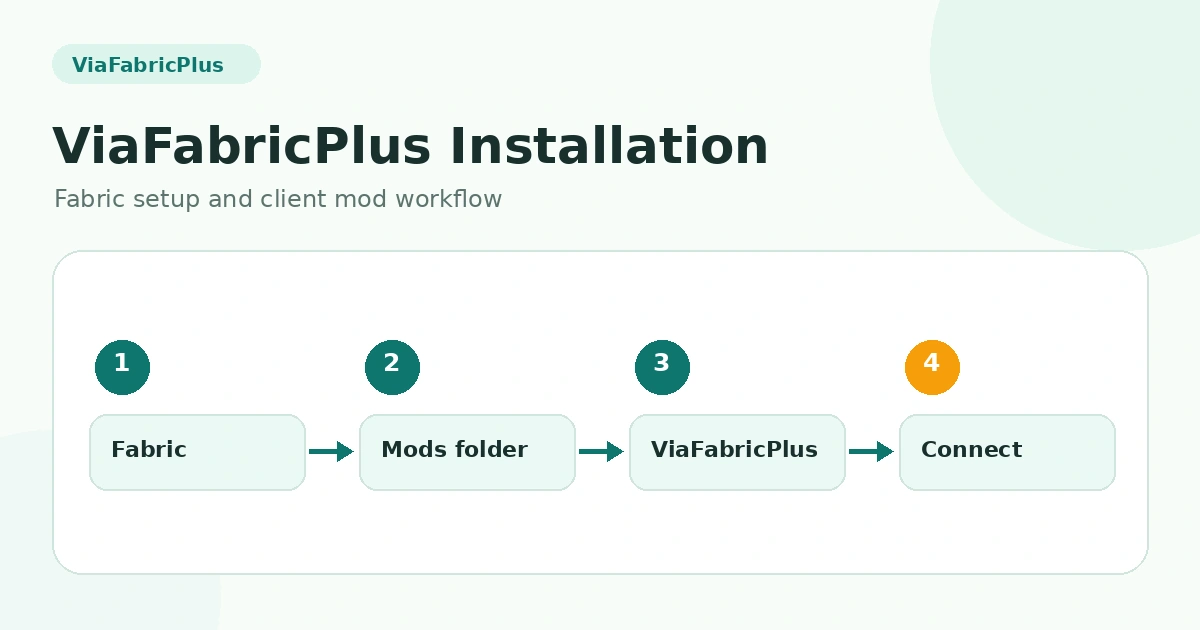
Prepare the client, Fabric environment and correct file type.
Read Guide →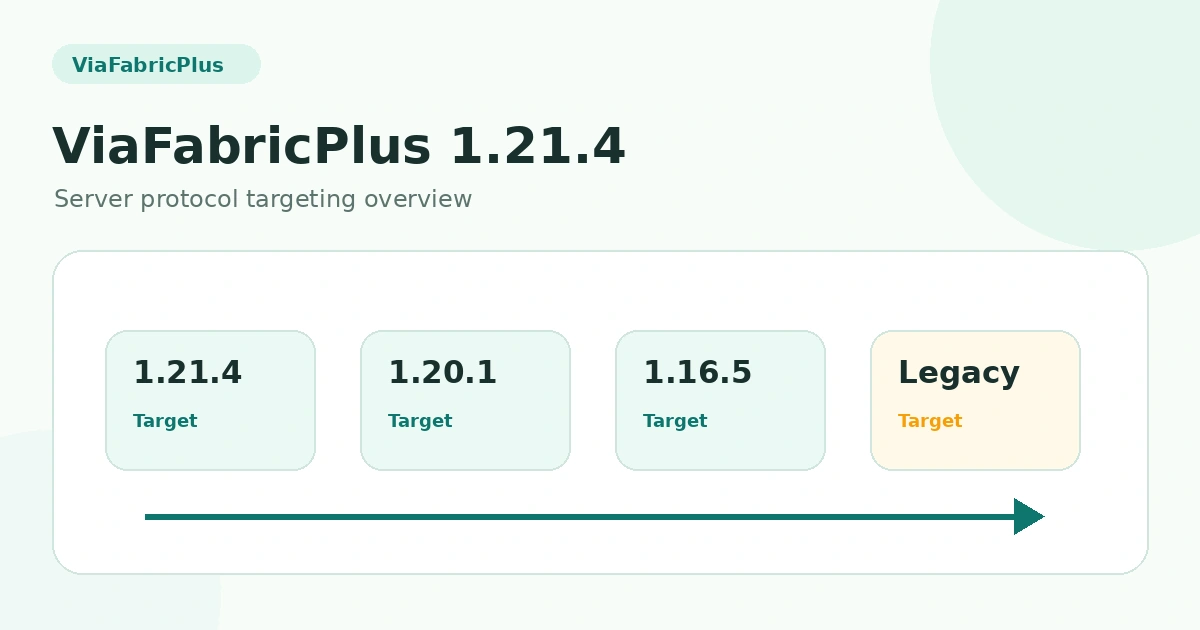
Understand server protocol targeting from a current supported client.
Read Guide →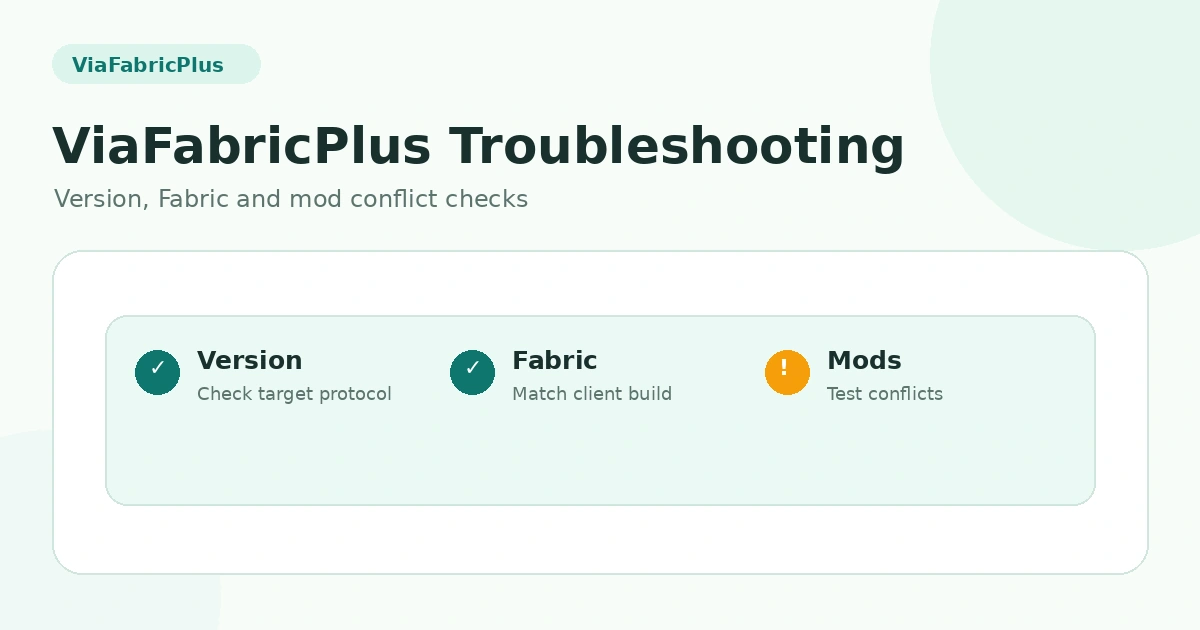
Check client version, Fabric, conflicts, server rules and anti-cheat.
Read Guide →20 software-specific answers grouped into two clear categories.
ViaFabricPlus is a client-side Minecraft Fabric mod designed to let a current supported client connect to servers using many different Minecraft protocol versions.
No. ViaFabricPlus runs on the player client. It is not installed as a multiplayer server plugin.
The official project documentation describes ViaFabricPlus as Fabric-only and states that Forge or NeoForge versions are not planned.
The official project describes ViaFabricPlus as multiplayer-only, so its protocol translation features are intended for server connections rather than singleplayer worlds.
Yes, its core purpose is cross-version multiplayer access. The exact supported protocol range depends on the ViaFabricPlus release you are using.
A current supported ViaFabricPlus client can target older release protocols such as 1.21.4 when that protocol is supported by the installed release. You normally stay on the newest supported client rather than launching a 1.21.4 client.
ViaFabricPlus can be used to target older server protocols such as 1.20.1 when supported by the installed release. Select the correct target version and verify server behavior after connecting.
ViaFabricPlus is built for older-server connections, including release-era protocols. Gameplay behavior may differ because the modern client is translating toward the older server protocol.
No. The official project notes that cross-version resource packs from older versions are not supported.
Official project documentation lists Bedrock connectivity among supported server targets, while also warning that some features can be missing. Support details can vary by release.
Use the newest Minecraft client version supported by the release, install a compatible Fabric environment, place the ViaFabricPlus mod file in the mods folder, then launch the Fabric profile.
The supplied download URL points to a ZIP archive of the project ver/26.2 branch. It is a source/project archive, not a prebuilt mod JAR.
Common causes include using an unsupported client version, missing or incompatible Fabric components, a wrong file type, or conflicts with other client mods.
Cross-version translation cannot make every mechanic identical. Older servers have different movement, blocks, entities and rules, so some behavior can still differ from a native old client.
Some servers use anti-cheat or custom protocol checks. The project itself warns that certain servers may treat the mod as suspicious, so server rules should be respected.
No guarantee can be made for every server. Custom server software, anti-cheat systems, proxies, plugins and unusual protocol behavior can affect compatibility.
When a server is not detected as expected, choosing the intended target version can help keep the client-server protocol selection clear. Exact controls depend on the installed release.
Confirm that your ViaFabricPlus release supports the newest client version you are running and that your Fabric environment and related mods are also compatible.
Use trusted project files, check what type of file you downloaded, keep backups of your mod configuration, and follow the rules of each server. Client mods can still conflict with other software.
Use the Guides section for installation, version-specific connection notes, source-archive explanations and troubleshooting steps, all linked internally without external support links.